Galas and fundraisers
Help donors, sponsors, honorees, and guests find their assigned tables or ballroom areas without scanning a public list.
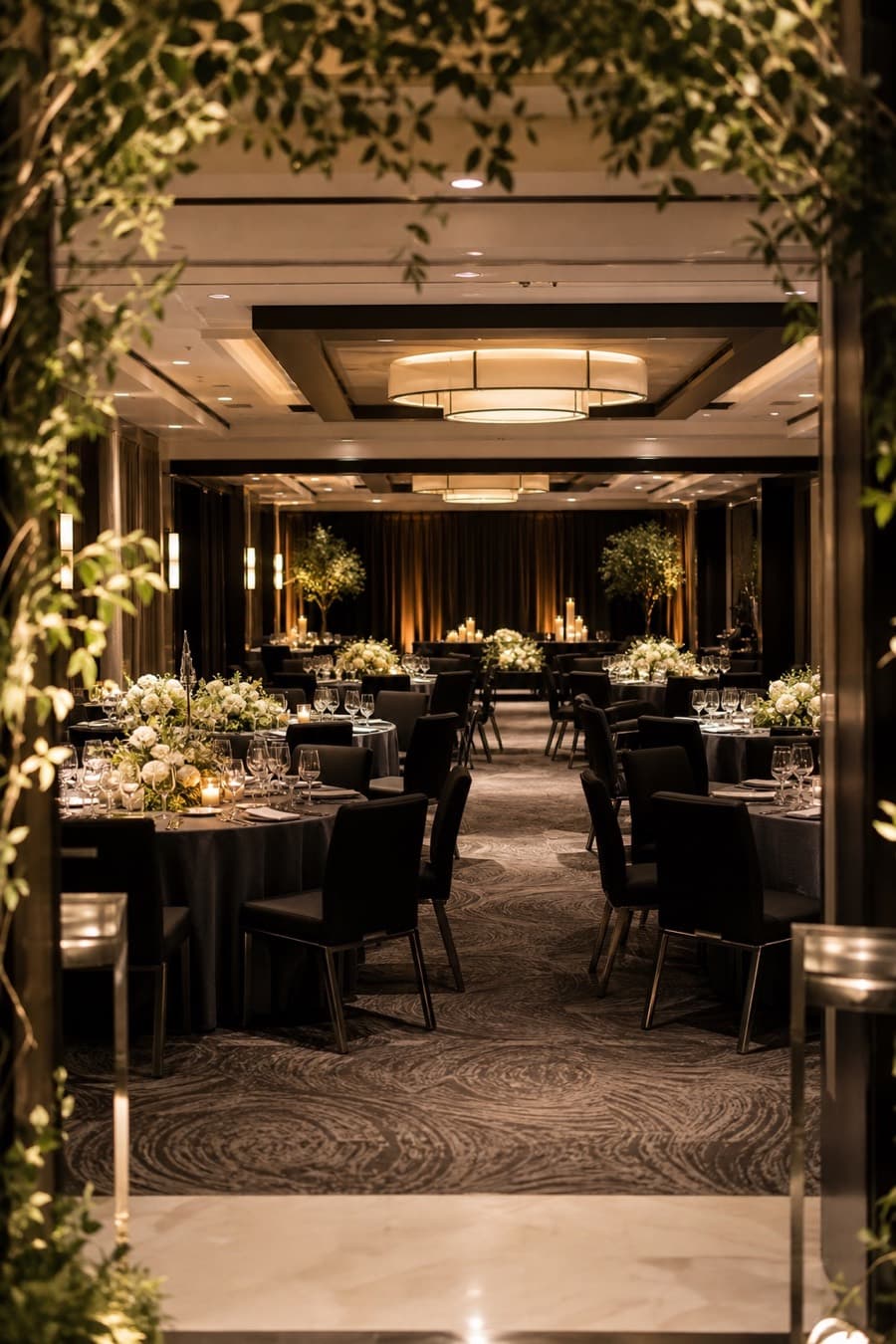
Event seating chart for assigned-table occasions
Turn finished table assignments into a digital event seating chart for galas, banquets, fundraisers, corporate dinners, and more. Guests scan a QR code, search their name, and see their table or room—no app needed.
Free for up to 30 guests. Upgrade one event only when you need more.
Find your seat
General event seating
This page is for organizers who already know which guests belong at which tables and need a polished way to deliver those assignments at the door.
Help donors, sponsors, honorees, and guests find their assigned tables or ballroom areas without scanning a public list.
Guide attendees to tables organized by team, school, organization, sponsor, or award group.
Give employees, clients, and partners a simple arrival step for assigned-table dinners and company celebrations.
Turn a family or community guest list into a clear table finder for a meaningful seated gathering.
Use the same private lookup for birthdays, holiday parties, retirement dinners, and other assigned-table occasions.
Include an optional room or area label when guests need more direction than a table name alone.
What guests receive
Guests scan the event QR code, search their name, and see their assignment in a browser. They do not need an app or account.
Show a table name plus an optional ballroom, patio, room, or section so the result matches the venue.
Each guest searches for their own result instead of browsing the event's complete seating plan.
How it works
Reunela is a seating lookup tool—not a floor-plan designer, RSVP platform, or full event-management suite.
Try a guest searchEnter guests individually or import the spreadsheet you already use, including table and optional room or area labels.
Add the event details, photo, welcome message, and color, then try a guest search before publishing.
Print the code near the entrance or welcome table. The link stays the same when you update an assignment.
Practical event-day plan
The best seating chart combines a clean source list, venue-matched labels, a tested scan point, and a human fallback.
More specific planning help
Use this general page for mixed or custom event types. These pages go deeper on celebration-specific presentation and QR planning.
Reception-focused guidance for couples and wedding teams.
Portrait-first pages with English, Spanish, or bilingual guest copy.
A milestone-party flow and presentation for Sweet 16 guests.
Detailed QR sign, scanning, and private table-lookup guidance.
Prepare for late changes, choose a useful sign location, or browse the full guide library.
Organizer questions
An event seating chart matches each guest to an assigned table and, when needed, a room or area. Reunela turns those assignments into a searchable guest page rather than a floor-plan diagram.
Reunela can support galas, banquets, fundraisers, corporate dinners, anniversaries, reunions, awards nights, holiday parties, and other occasions with assigned tables.
No. Reunela does not draw a room or arrange tables on a floor plan. It helps organizers publish finished guest-to-table assignments as a private, searchable page.
No. Guests scan a QR code and use the seating lookup page in their phone browser without an app or guest account.
Yes. A result can show the assigned table plus an optional room or area label, such as Main Ballroom, Terrace, or East Hall.
Yes. The QR code points to the live page, so you can update table assignments without printing a new code.
Test the guest page from the entrance before the event and keep a staffed or printed backup list available. Reunela is browser-based, so guests need an internet connection to use the live lookup.
Build your event seating page for free, test the guest lookup, and publish when the assignments are ready.